
Free
$0/month
- Up to 5 recipe imports a week with our AI
- Unlimited imports with your own AI
- Plan up to 10 meals a week
- Grocery list for those meals
Import recipes
Found a recipe on Instagram, a website, or in a magazine? Bring it into Gobble Guide in seconds, then add it to your meal plan.
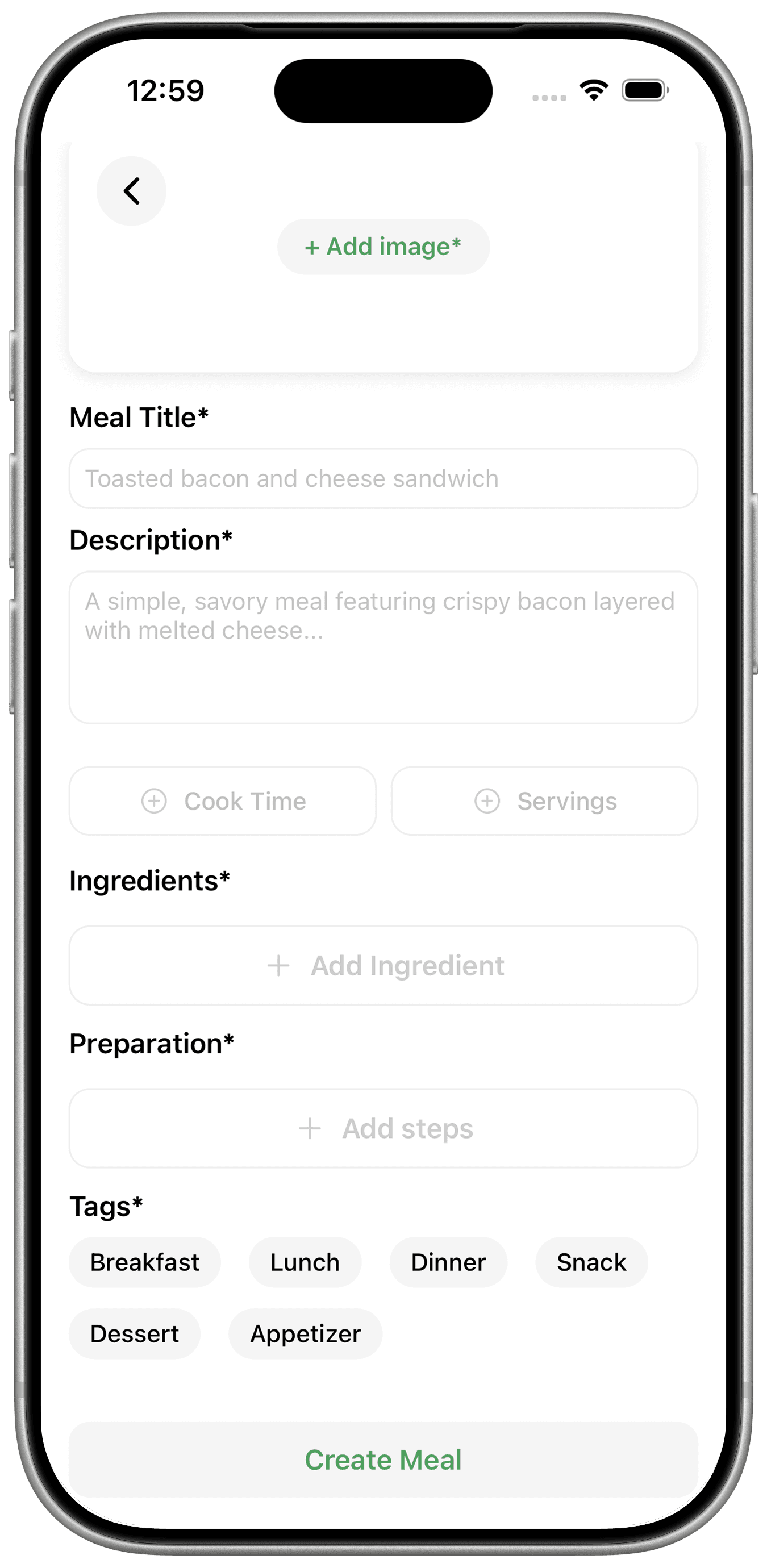
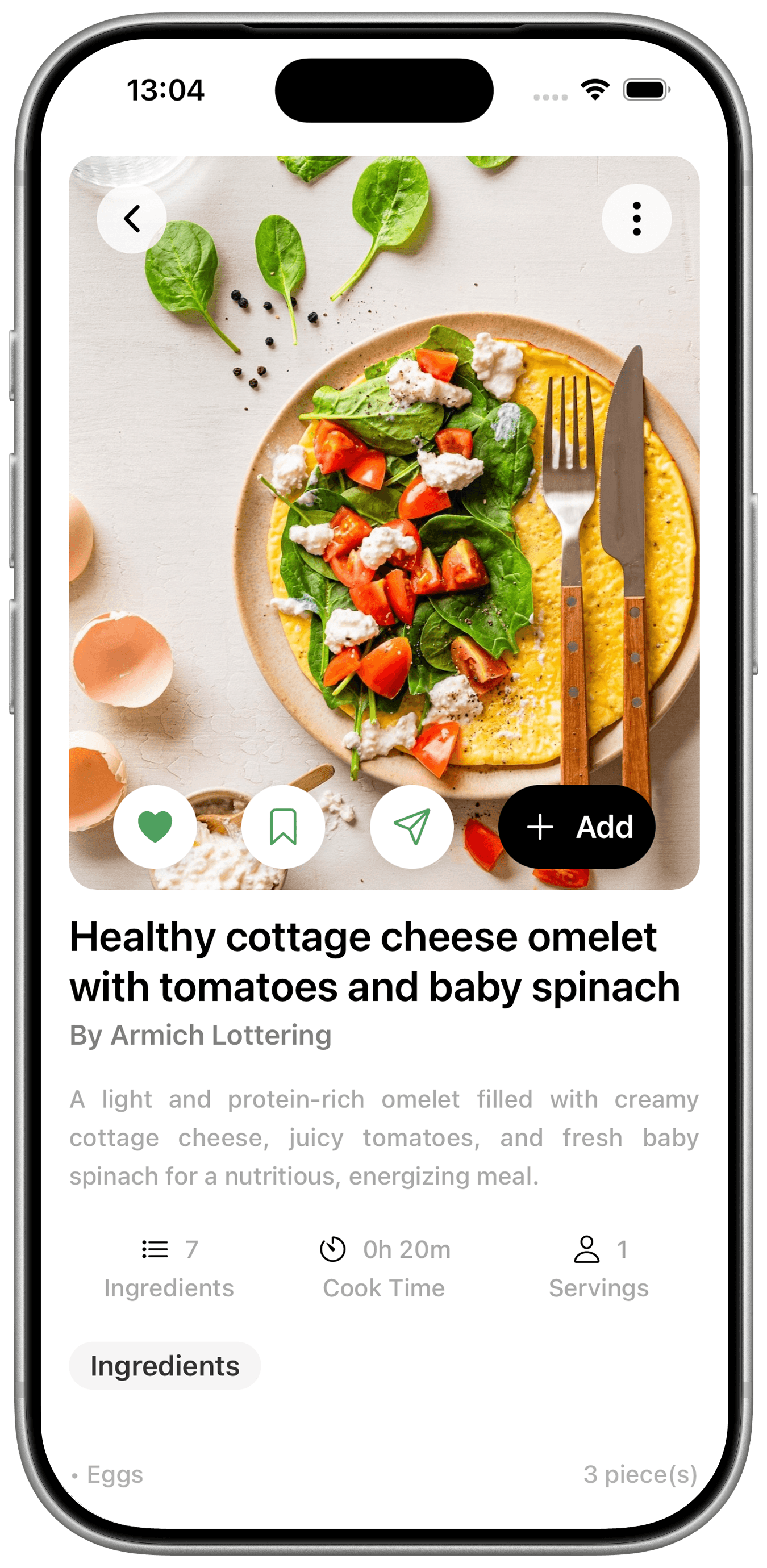
Great recipes end up scattered across screenshots, bookmarks, saved posts and torn-out magazine pages. Gobble Guide pulls them into one tidy collection you can actually cook from.
Imported recipes sit alongside the recipes shared by the Gobble Guide community. Add any of them to your weekly planner, and Gobble Guide builds your grocery list from the meals you plan.
Free accounts include 5 imports a week with our AI. When they run out, you can keep adding recipes with your own AI. It takes a few more steps, and there is no limit.
Free
Premium
30-day free trialNo ads, ever.
Yes. Gobble Guide can import recipes from Instagram, as well as from websites, photos and magazines.
You can keep importing recipes with your own AI at no cost. Gobble Guide turns your upload into a prompt, you paste it into your AI assistant, then paste the JSON response back into Gobble Guide to import the recipe. It takes a few more steps and has no limit.
Yes. Paste a link to a TikTok or YouTube video, as well as Instagram posts and websites, and Gobble Guide imports the recipe for you to review.
Yes. Before you import, you can keep the original units or convert to metric or imperial, and choose to rewrite the recipe in your own words.
Yes. Take a photo of the page, or pick one from your gallery, and import it into your recipe collection.
Free accounts can import up to 5 recipes a week with our AI. After that you can keep importing for free with your own AI. Premium accounts have unlimited imports with our AI.
Yes, there is a free plan with no ads. Premium costs $4.99 a month and starts with a 30-day free trial, subscribed in the app.
Download Gobble Guide free. No ads, ever.